
Hand off a file. Skip the small talk.
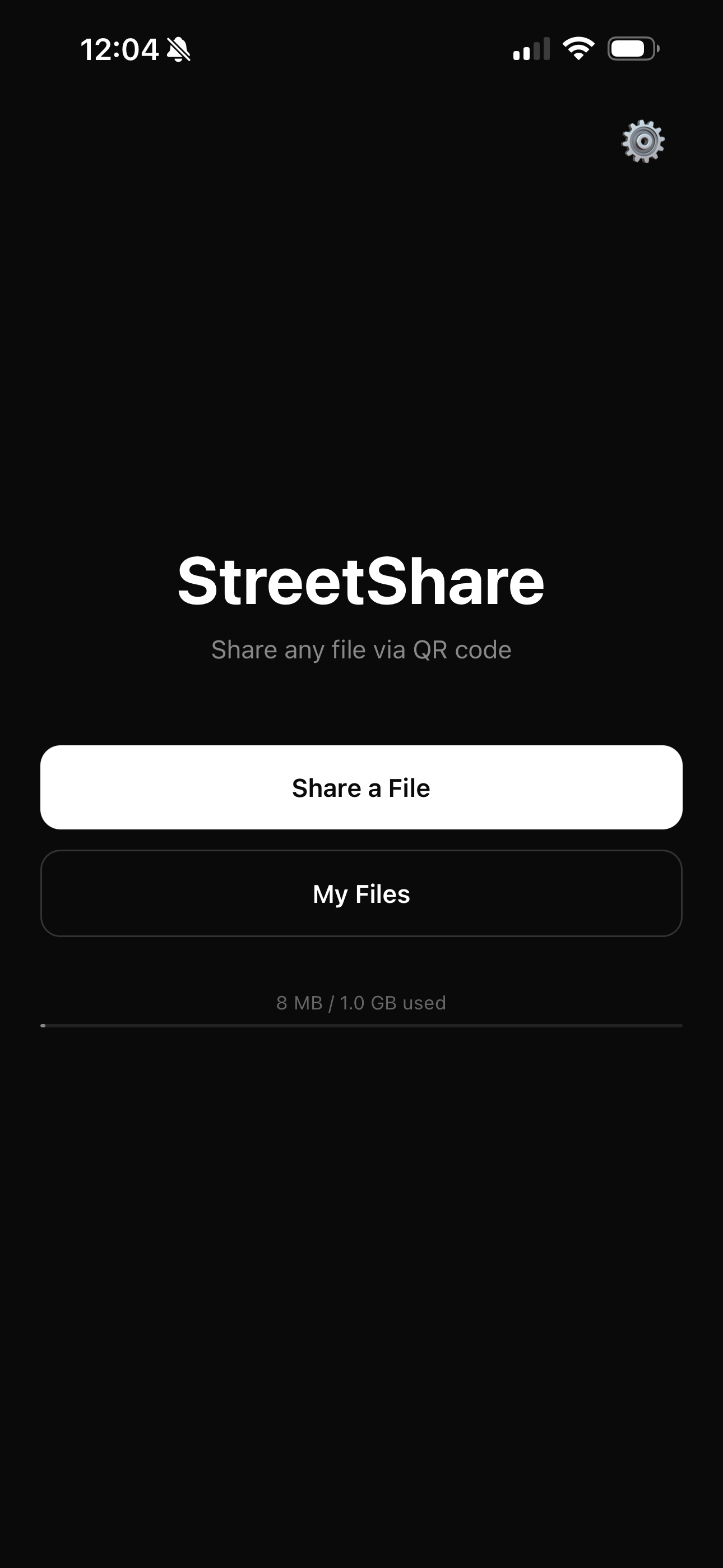
Pick a file on your phone. Photo, PDF, zip, video, anything. StreetShare gives you a QR code to hand over. They scan it and the download starts right in their browser. Nothing for them to install, no contact info exchanged.
Free tier includes 1 GB storage. Plus is $4.99/mo or $29.99/yr.
No ads. We never sell your data. We only make money when you choose Plus.
How it works
Three taps. No recipient accounts. No friction.
Designed for the moment a stranger asks if you can send them the photo you just took.
Pick a file
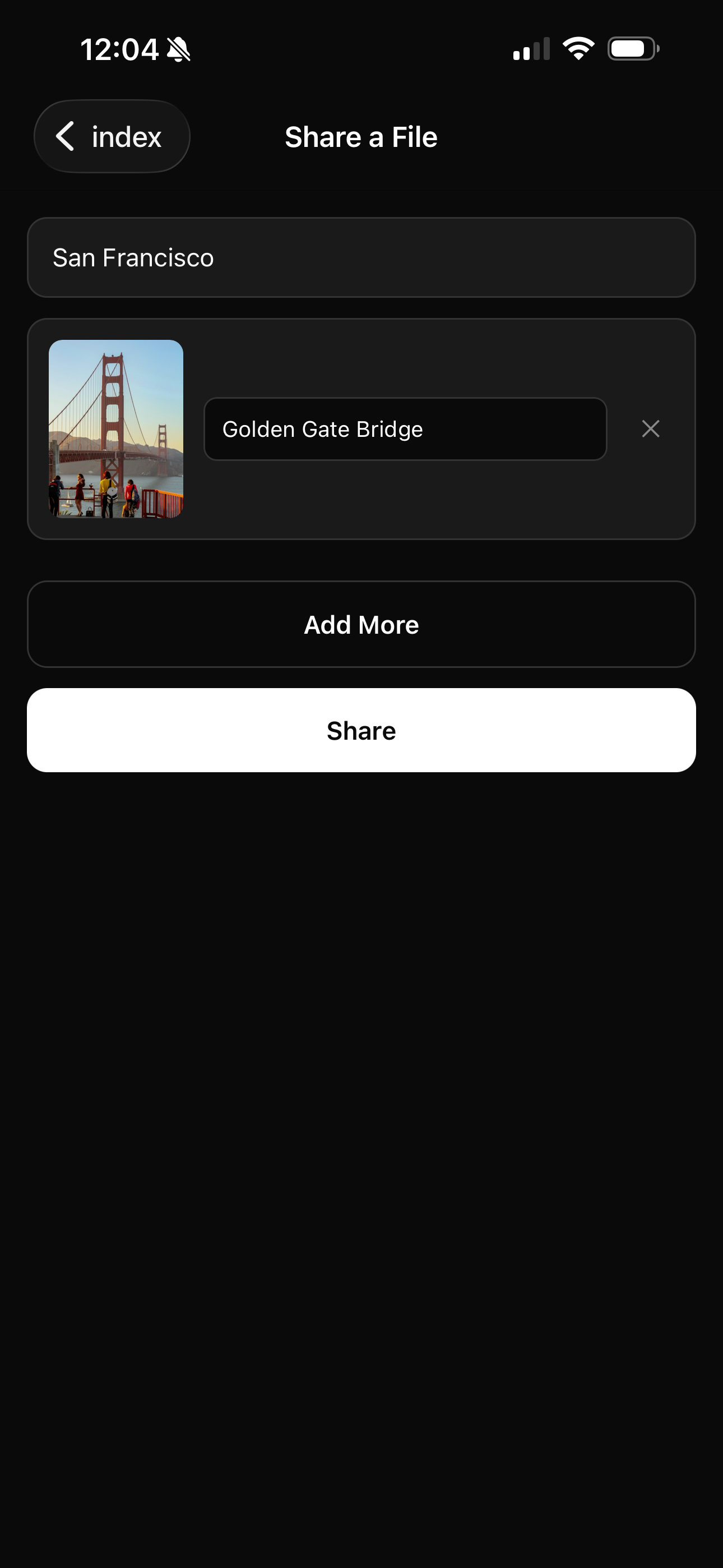
Take a photo, choose from your library, or pick any file — PDFs, zips, docs, whatever.
Get a QR code
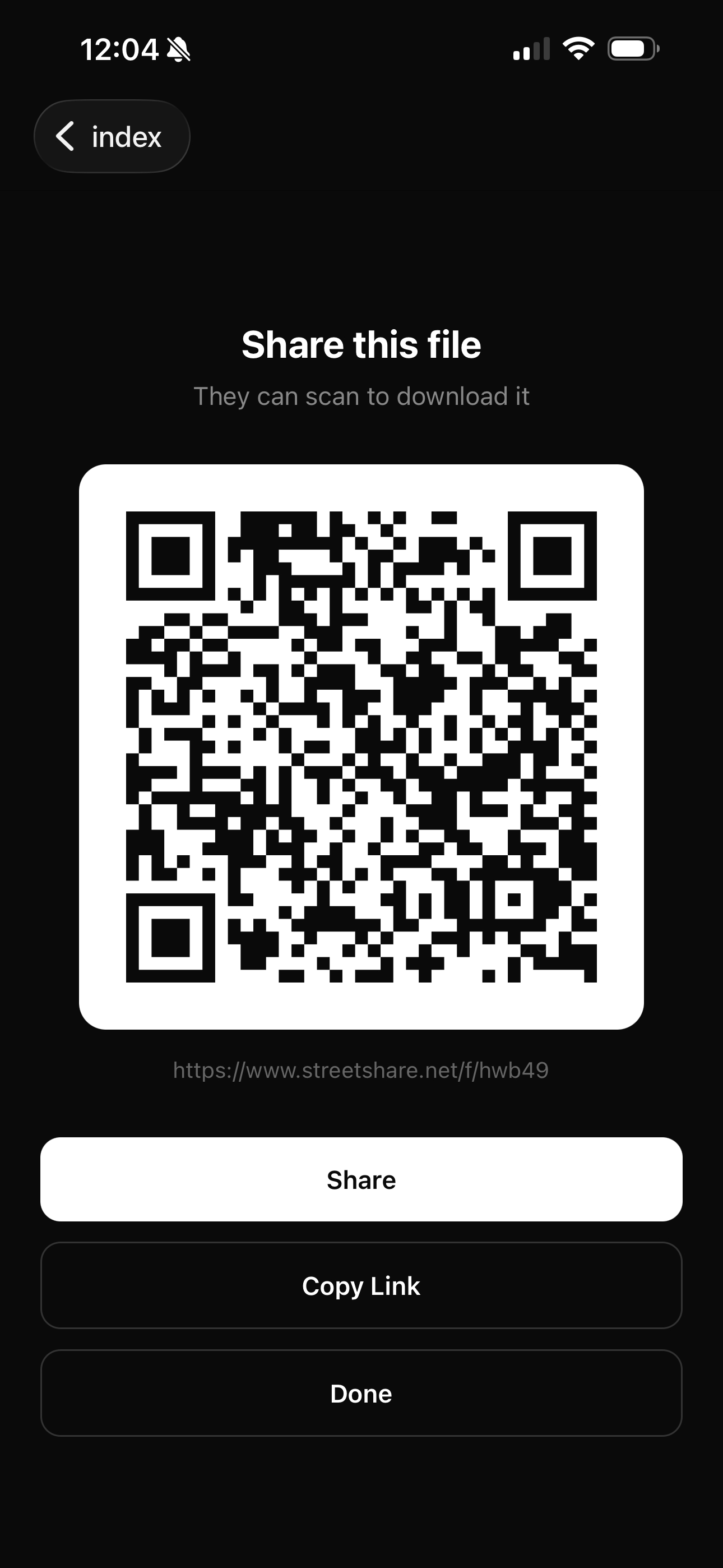
StreetShare uploads in the background and shows a high-contrast QR code on your screen.
They scan it
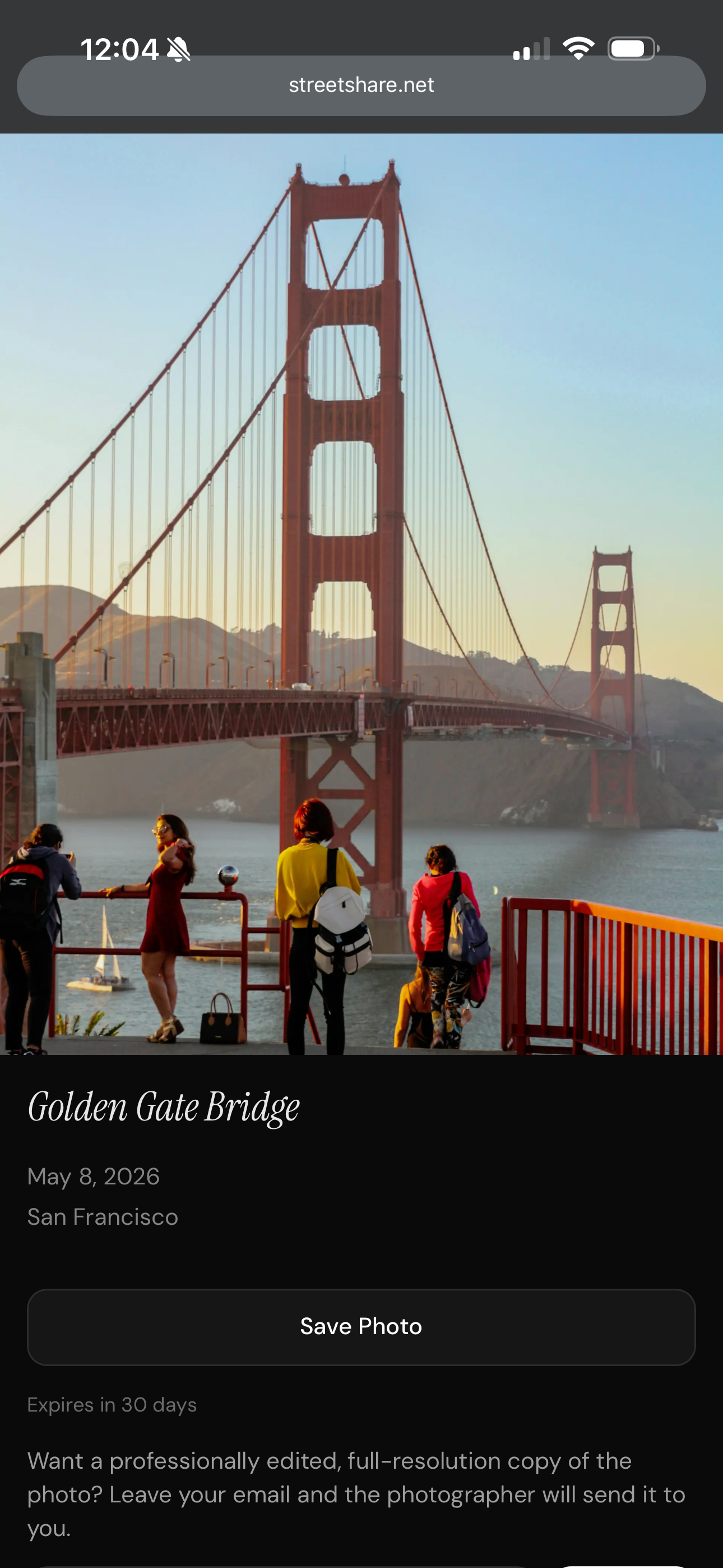
Hold up your phone. They open their camera, tap the link, and the file downloads. Done.
Who it's for
Built for street photographers. Useful for everyone.
Street photographers
Shot a candid of a stranger? Hand them the photo on the spot. They can leave their email if they want a professionally edited version.
Event sharers
Print the QR on a flyer, table tent, or projector. Anyone in the room can grab the file without an app.
Field & site work
Pass a PDF, photo set, or report to a contractor or client without joining a Slack, signing in to a portal, or zipping anything up.
Casual everyday transfers
Send a video to your friend with a different phone OS. AirDrop alternative that doesn't care what platform either side is on.
See it
The whole flow, on one screen.
Privacy
Private by default. Public only when you say so.
StreetShare is for handing files to specific people, not broadcasting to the internet.
Recipients stay anonymous
No account, no app, no sign-in. Recipients scan, view, and (optionally) leave their email if they want to hear back from you.
Unguessable links
Every share gets a 14-character random slug from a 31-character alphabet — nearly a billion trillion combinations — and recipient pages are blocked from search engines.
Auto-expire by default
Free-tier files delete themselves 30 days after upload. Plus subscribers keep them indefinitely. Either way, you control what's out there.
Read the full Privacy Policy and Terms of Service.
Pricing
Free for casual sharing. Plus when you need more.
Free
For occasional use.
$0
- Up to 50 MB per file
- 1 GB total storage
- Files expire after 30 days
- Send up to 10 files at once
- Unlimited shares
Plus
For regular sharing.
$4.99 / mo
or $29.99/year (saves ~50%)
Start with a 7-day free trial
- Up to 200 MB per file
- 25 GB total storage
- Send up to 50 files at once
- Password-protect your shares
- Files never expire while subscribed
- Manage and cancel anytime
FAQ
Common questions.
Do recipients need the app?
No. Anyone with a phone camera can scan the QR code and view the file in their browser. No account, no install.
What file types can I share?
Any file. Photos preview inline; PDFs, zips, docs, and other files show up as a download card on the recipient page.
How long do shared files stay up?
Free-tier files expire 30 days after upload. Plus-tier files don't expire while your subscription is active.
Where do I sign up?
In the StreetShare mobile app for iPhone or Android — that's also where you upgrade to Plus. Sign in at streetshare.net/sign-in to manage your account in a browser.
Stop swapping numbers.
Just share the file.
StreetShare is available free on the App Store and Google Play.